How to Restore Damaged Family Photos with AI
Upload your photo to try it free.
Upload your own photo to try Rememory free. No account needed to start.
Upload a photo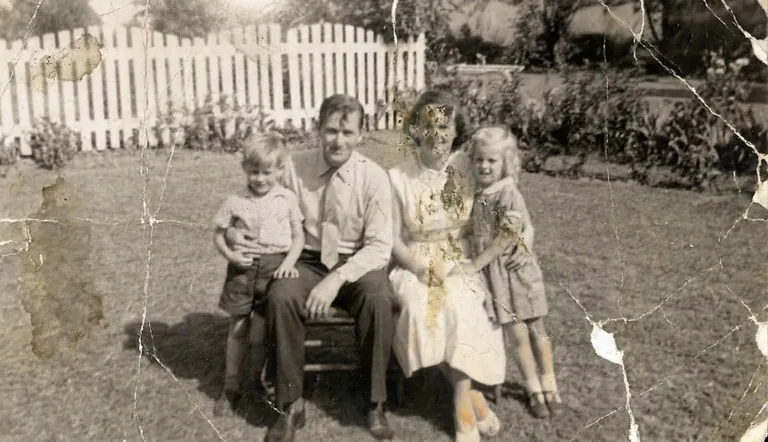
Start with the best scan you can get
A flatbed scanner at 600 DPI is ideal. If you only have a phone, shoot in daylight, avoid glare, and keep the print flat. Rememory works with both, but more detail gives the AI more to work with.
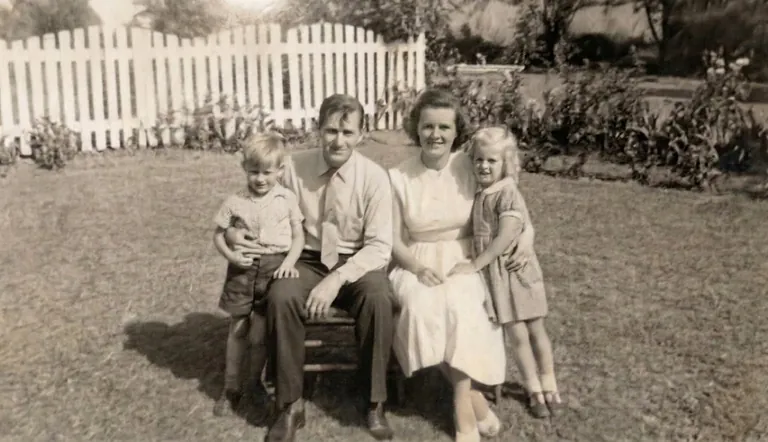
Let AI fill in what is missing
Cracks and stains are hard to look at, but restoration models can guess what should be underneath. Rememory fills gaps while keeping skin tones and textures consistent with the rest of the photo.
Save and share
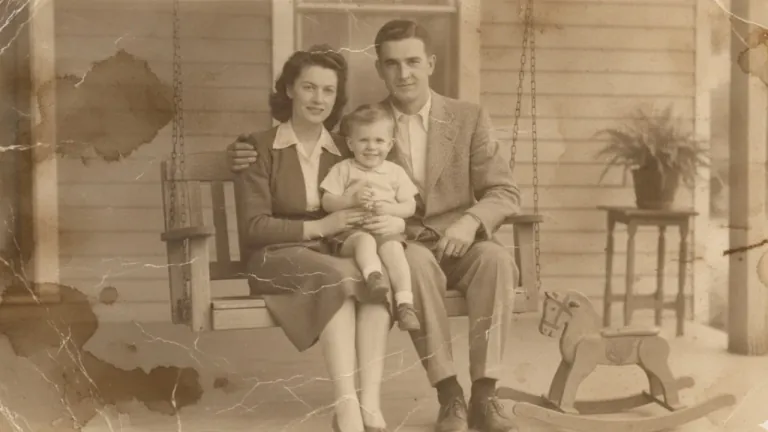
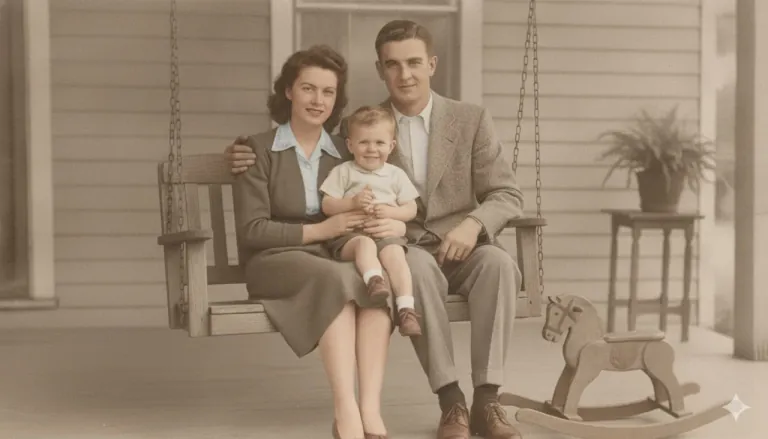
Download the restored file for printing, slideshows, or genealogy sites. A lot of people restore a whole album before a reunion or memorial.
Upload your own photo to try Rememory free. No account needed to start.
Upload a photo